
What are the recommended video settings for my WWVDS bi-spectrum cameras?
This article discusses the recommended video settings to be used for WWVDS bi-spectrum cameras.
Use the parameters below to set the recommended video settings using the web interface.
We recommend you change the default password on your cameras and RTSP streams in the WWVDS web interface after project acceptance.
Procedure
- Enter the bi-spectrum camera's IP address in your browser to access the login window. When connecting to a bi-spectrum camera for the first time, use the default credentials:
- Default username = admin
- Default password = GovComm1 or GovComm1!
- Default IP address = 192.168.1.64
- Default mask = 255.255.255.0
- Default gateway = 192.168.1.1
- Navigate to Configuration —> Stream —> Base Stream —> Channel 1 or 2.
- Adjust settings as needed. Default settings are shown below.
- Click Apply once complete.

|

|
|
|
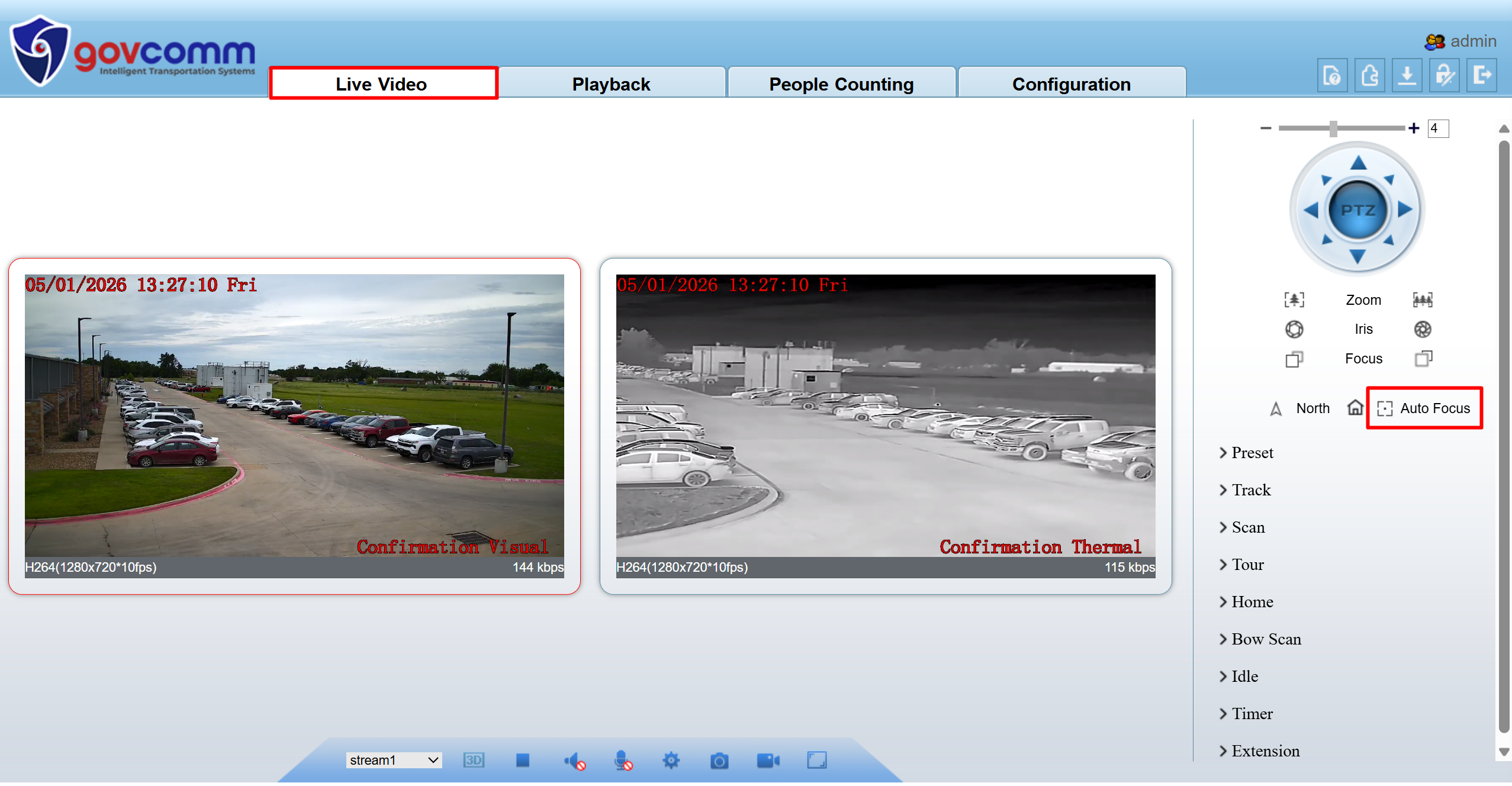
If your image is blurry, please enable Auto Focus under Live Video.