
How do I integrate my WWVDS system into Compass?
This article discusses how to integrate an existing WWVDS installation into the Compass central server management platform.
Compass is GovComm's central server management platform where you can view your wrong-way vehicle detection systems (WWVDS).
Please see the procedure below to add systems into Compass.
Procedure - Compass Side
- Log into Compass.
- Go to Systems and click New Device.
- Fill out necessary information for the WWVDS system. Items with a red asterisk are mandatory.
|
|
|
|
|
|

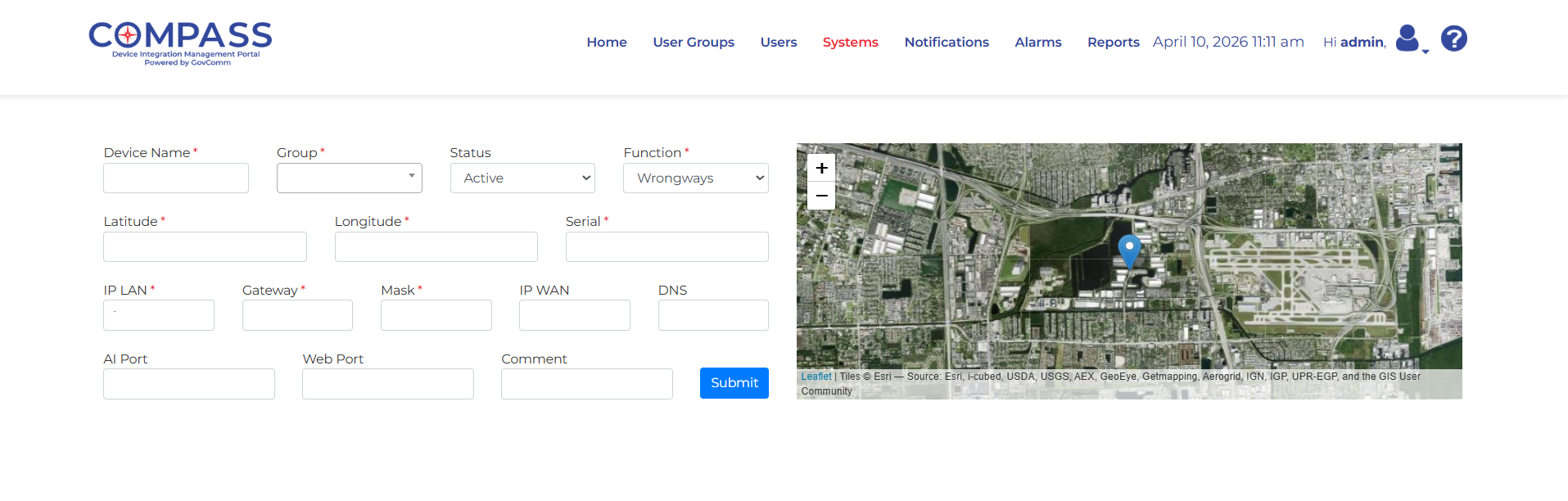
IP WAN field is only necessary if the system and Compass server are not on the same network. This address should be the IP of the network/WiFi that the Compass server is connected to.
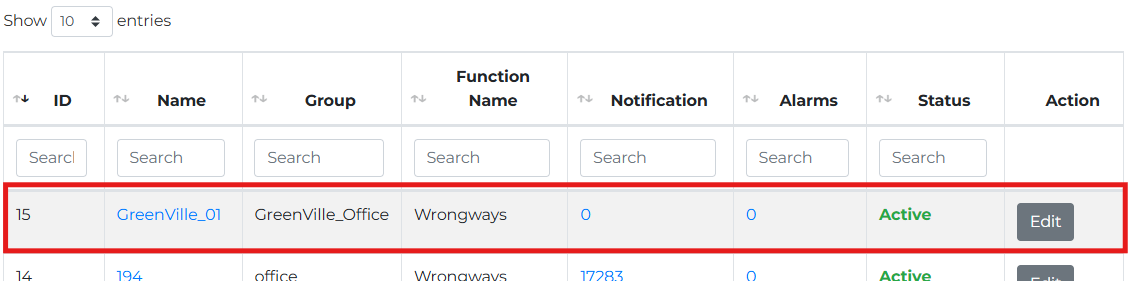
- You can now view the system and its status on the Systems page.
Procedure - System Side
- Access the WWVDS Web Interface for the system.
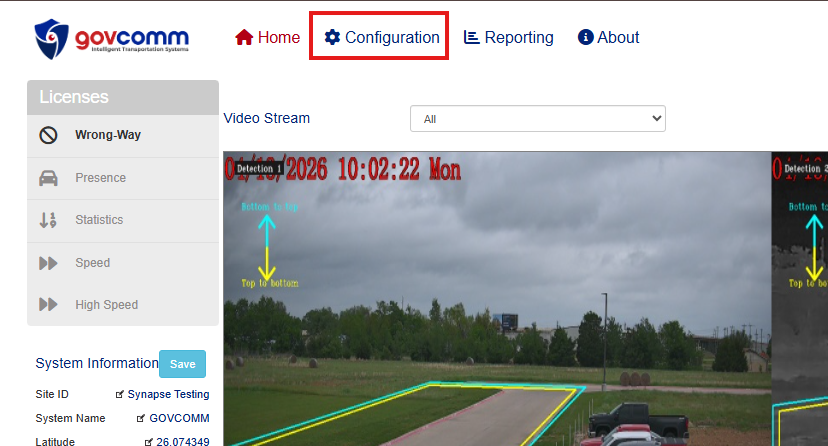
- Navigate to Configuration —> Wrong-Way.
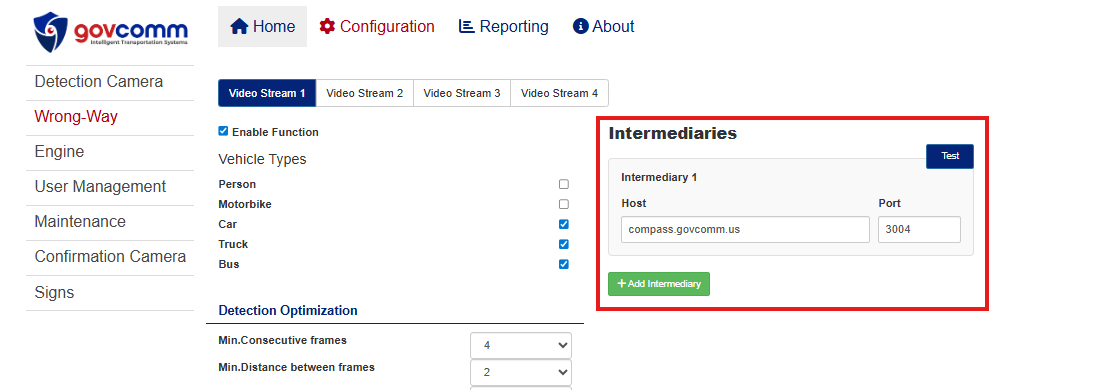
- Navigate to Intermediaries.
- Add IP address of system or use compass.govcomm.us and port 3004
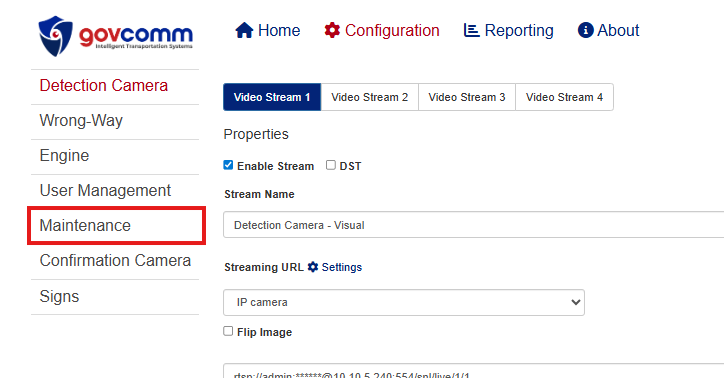
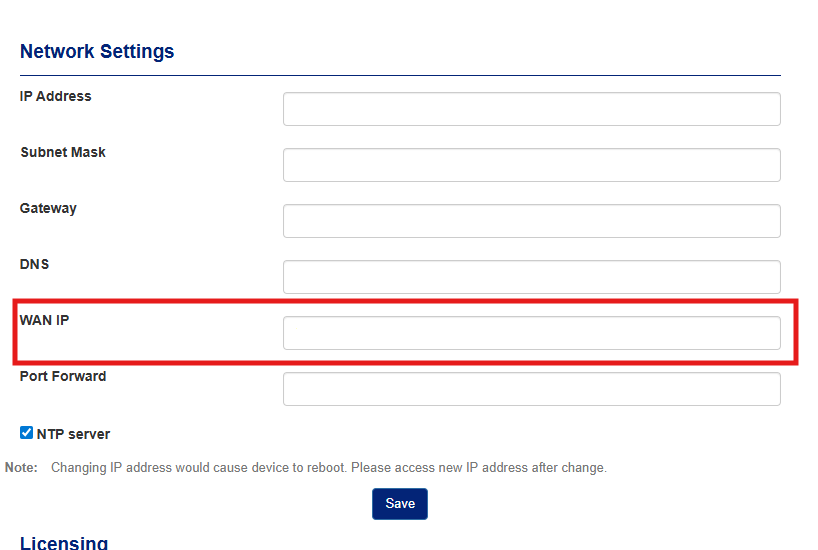
If the system and Compass server are not on the same network, navigate to Maintenance —> Network Settings. Add same WAN IP from previous section (step 2).
|
|
|
|
|
|
|
|
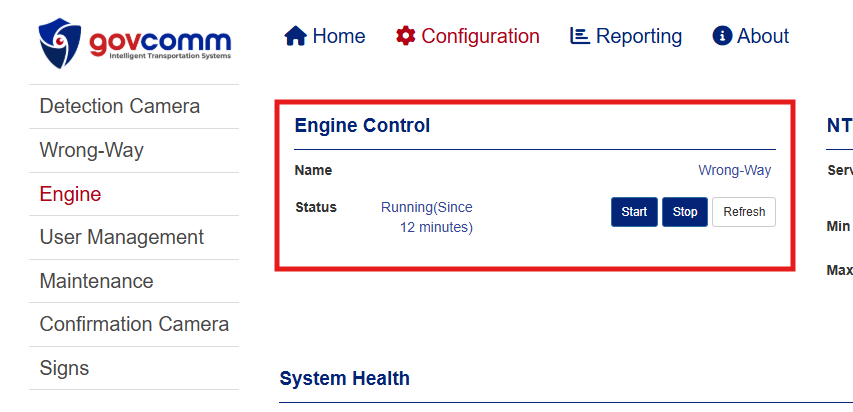
- Navigate to Engine and restart engine.
|
|

|

|
Whenever a notification appears, it will display a green NEW NOTIFICAITON box with audible alert. Click on the link to go to the view the images.